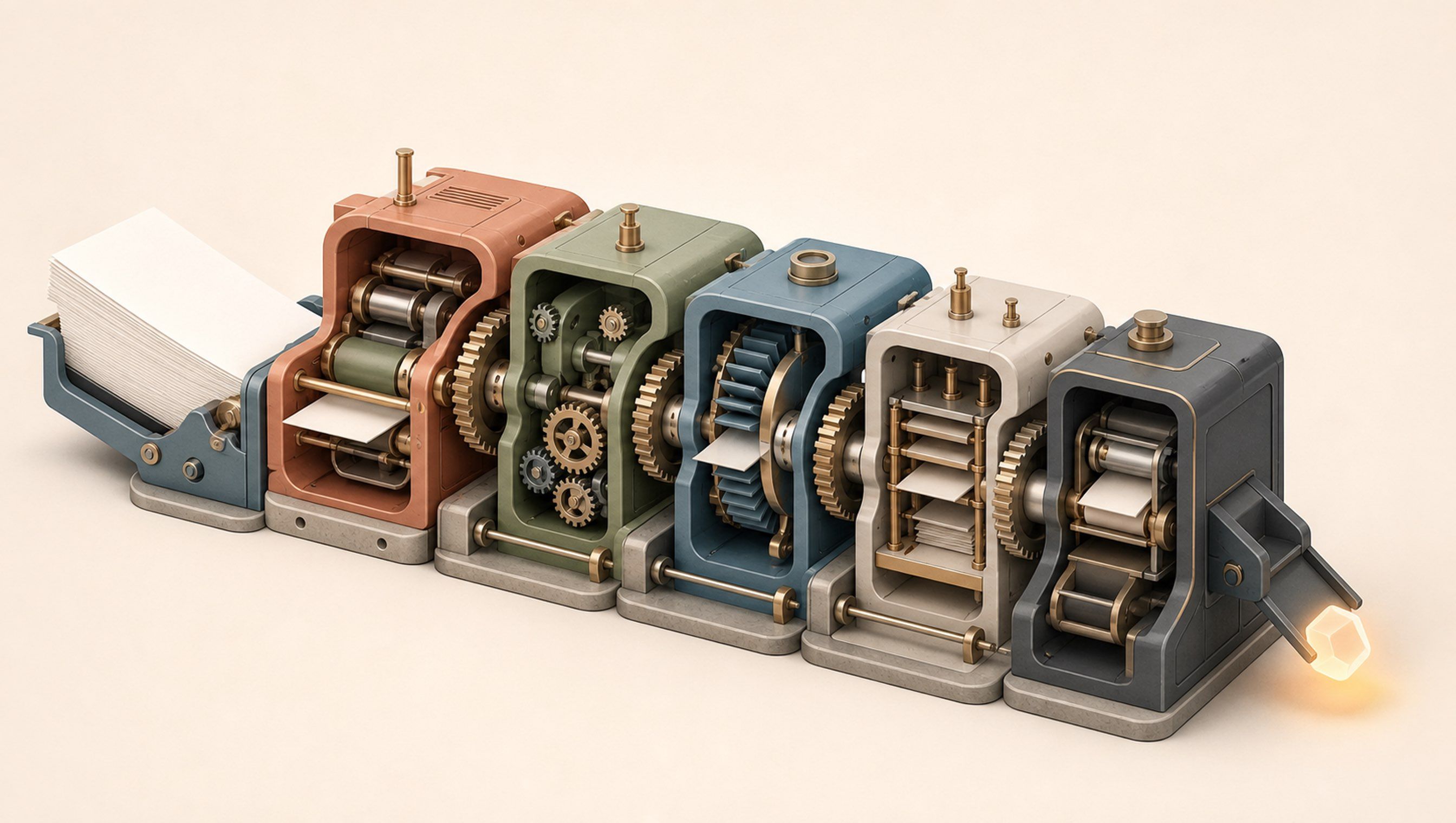

AI can help your team finish a campaign draft before lunch. The campaign can still take another week to go live.
I have watched this happen in my own work. Research, copy, creative and prototype builds became much faster. The launch still waited on decisions, account access, DNS changes, tracking codes, payment checks, ad approvals and connector setup.
The people doing the work felt faster. But the overall outcome still took pretty much the same time.
There is simple arithmetic behind this.
What happens when 30% of the work becomes 10x faster
Picture the whole workflow as 100 blocks of time.
- 30 blocks are spent on tasks AI can speed up.
- The other 70 blocks are spent on untouched work, waiting, hand-offs, approvals and dependencies.
Now make the first 30 blocks 10 times faster. They shrink to 3.
The other 70 do not move.
The full workflow now takes 73 blocks instead of 100. Making part of the work 10x faster makes the whole workflow only 1.37 times faster:
100 ÷ 73 = 1.37x
Even if AI completed the first 30 blocks instantly, the workflow would still need the remaining 70. The maximum possible improvement would be:
100 ÷ 70 = 1.43x
You can keep improving the model, the prompt and the output. The 70% of the workflow you did not change still sets the ceiling.
An old computing rule explains why
In 1967, computer scientist Gene Amdahl described this limit in a paper on large-scale computing. His idea became known as Amdahl's Law.
In plain English: speeding up one part of a system only helps so much when the rest of the system stays slow.
The idea came from computing, but it applies to company workflows too.
Suppose AI cuts drafting time from a full day to one hour. That sounds like a major gain. But if the draft still waits 2 days for inputs, 3 days for approval and another day for system access, the final delivery date barely changes.
This is how individual productivity can rise while company productivity stays flat.
The difference between touch time and elapsed time
Most AI adoption metrics focus on the time someone actively spends doing a task – researching, writing, analysing or preparing an output. This is often called touch-time.
The business feels the total calendar time between starting the work and getting the finished result. This is elapsed time.
Think about a campaign launch. AI can research the market, draft the campaign, create copy options, build a working page prototype and prepare the reporting structure. All of that can happen faster.
Then the campaign waits:
- The offer or budget has not been approved.
- Nobody has access to the ad account or analytics.
- Legal, brand or leadership review is pending.
- A developer still needs to connect the form and CRM.
- Test payments and tracking events have not been checked.
- A vendor or partner still controls one of the final steps.
The team spends fewer hours making the campaign. The company still waits almost as many days to launch it.
This is often why daily AI use does not show up in revenue or launch speed. The tools improved individual tasks. The path those tasks take through the company stayed the same.
More AI adoption can move the bottleneck
Training more people can increase the percentage of work AI touches. That is useful, but only up to a point.
If everyone uses AI inside their own part of the process, the company may simply create work faster than it can review or approve it. One team produces more drafts. The next team receives a larger review queue. The manager who approves the work becomes the new bottleneck.
This is why I find the 10–20–70 model useful when thinking about AI transformation. BCG's model suggests putting roughly 10% of the effort into algorithms, 20% into data and technology, and 70% into people and processes.
It is a different model from Amdahl's Law, but both point to the same operating problem: the AI itself is rarely the largest part of the work. Ownership, data, workflow design, review rules and team behaviour decide whether a faster task produces a faster company result.
Redesign the whole workflow
Pick one important business workflow and map it from end to end.
Map everything that happens between the initiation and the finished result. For each step, record:
- How long someone actively works on it
- How long it waits
- Who owns it
- What input is needed
- Which system is used
- Who receives it next
- Which approval or decision can hold it up
- What usually goes wrong
- What the step produces
Once the whole path is visible, ask 4 questions.
What can AI speed up?
Look for research, drafting, analysis, classification and preparation work. These are the tasks most teams already recognise as good uses of AI.
What can you remove?
Some steps exist because an older process needed them. A report may not need to be copied across 3 tools. A second review may not be necessary when the first review includes the source evidence and clear rules for exceptions.
What can happen at the same time?
Many workflows move one step at a time simply because that is how they have always run. Tracking setup, asset preparation and stakeholder review may all be able to begin from the same approved brief.
What still needs a person to decide?
Keep human approval where judgment, money, customer impact, publishing or risk demand it. But name the owner, the information they need and the time available to decide. Otherwise, an important safeguard quietly becomes an open-ended queue.
That is workflow redesign. AI is one part of it.
Run a workflow speed audit
Use this prompt with a real written process (SOP), project timeline, task export or meeting record:
Audit this workflow for end-to-end speed.

The outcome is: [name the finished business outcome].
The workflow begins when: [starting event].
The workflow ends when: [definition of done].

Build a table with:
- Step
- Owner
- Active work time
- Waiting time
- Input or dependency
- System used
- Handoff
- Approval or human judgment
- Common exception
- Whether AI currently helps

Then calculate:
1. Total active work time
2. Total calendar time from start to finish
3. Percentage of the workflow currently accelerated by AI
4. Overall speed improvement if that percentage becomes 10x faster
5. Maximum speed improvement if that percentage becomes instant

Identify:
- The largest waiting periods and hand-offs
- The step that controls the final delivery date
- Work that can be removed or combined
- Work that can happen at the same time
- Human approvals that need clearer rules, inputs or owners
- The smallest workflow change that would reduce the total calendar time

Separate verified timings from estimates. Ask me for missing timings before calculating the final result. Do not recommend another AI tool until the workflow bottleneck is clear.
If your fastest AI users still move through the same queues, the company will keep hitting the same speed ceiling.
Redesign the path, and the time saved inside each task can finally reach the business result.
If your team is using AI every day but the business is not moving faster, AIxGrowth can help you find the bottlenecks and redesign the workflows underneath them. Get in touch.